
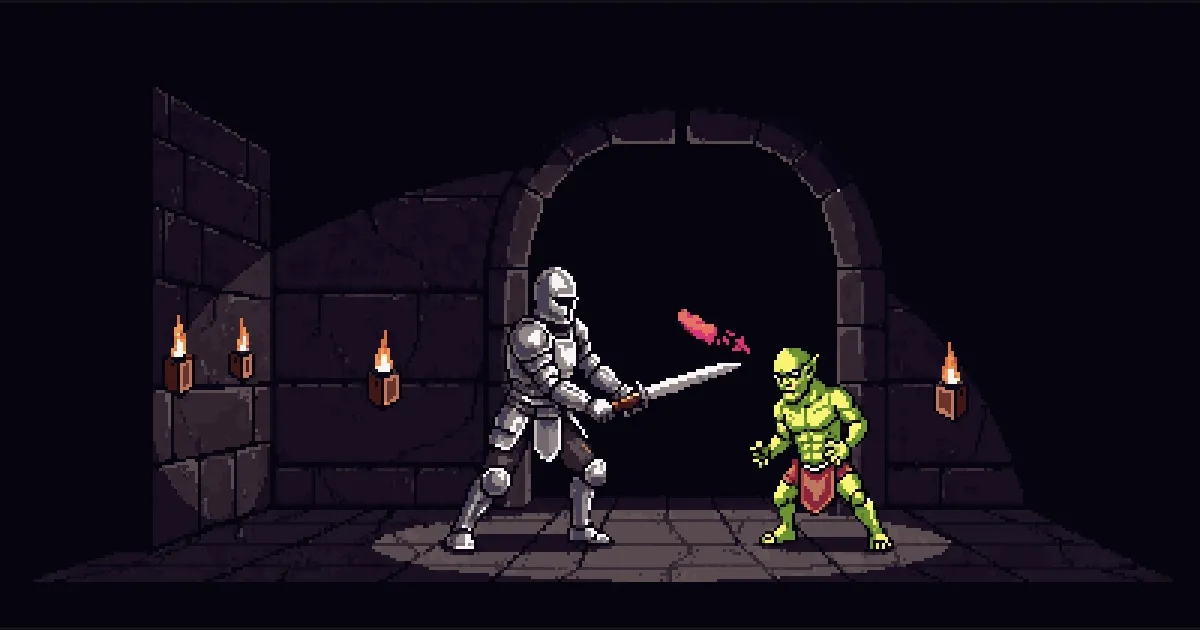
Which is the best pomodoro app depends on what gets you to press start. If you want a plain countdown, almost any timer will do. If you want a timer with a fight attached, Pomodoro Warrior is an Android app where a warrior battles while the clock runs and rests at the campfire when it stops.
Why it works
A timer works when it makes the session feel finite and worth finishing. Pomodoro Warrior turns the clock into a monster whose health bar is the time left, so the countdown becomes something you watch fall. Rest is not optional, because the next wave waits until the fire burns out, and that keeps the breaks from being skipped.
In this scroll
I. Which Is the Best Pomodoro App for You
The best pomodoro app is the one you will open at the start of every session. That makes the choice personal. A feature list matters less than what keeps you on task when the work is dull and the phone is close.
Pomodoro Warrior is an Android focus timer. While the clock runs, the warrior battles. When it stops, the warrior rests at the campfire. It suits people who want a timer with a reason to return. Because it is a paid app, with the Royal Guild Pass opening the whole game, it may not fit someone who only wants a plain countdown. If the method itself is new to you, start with Pomodoro Technique for beginners .
Chart your own dungeon and see whether a fight keeps your focus on the next wave.
II. How Combat Timing Keeps You Working
The app ships with three dungeons. Classic Dungeon has 4 waves of 25 minutes with 5 minutes of rest between them. Siege Crypt has 2 waves of 50 minutes with 10 minutes of rest. Lightning Raid has 6 waves of 15 minutes with 3 minutes of rest.
If none of them fits, CHART A NEW DUNGEON lets you set your own combat minutes, rest minutes and number of waves. The rhythm can match the work in front of you instead of the other way round. If you are unsure what length to pick, the scroll on how long a pomodoro should be weighs the options.
A new monster enters about every 5 minutes of combat. Its health bar is the time it has left, and it falls when the clock reaches it. You watch an enemy go down instead of watching numbers.
III. Staying on Track Between Sessions
Every finished wave pays experience, and EXP raises your level. Each band of levels carries a rank title, from Warrior to Warlord. For the full picture, see how EXP and gold work .
The streak counts days in a row with at least one finished battle. A Streak Ward costs 50 gold, and a warrior holds at most 2 of them. One ward covers a missed day. Gold comes only from quests, so the wards are something you earn rather than something you tap.
Closing the app mid fight is safe. The battle comes back on the same monster with the same time left. If you are choosing the best pomodoro app for studying, that matters, because stepping away to check a note does not lose your place in the fight. The Pomodoro study technique scroll shows how to build a schedule from dungeons.
IV. Checking Fit for Android, Sound and Limits
If you are looking for the best pomodoro app for android, the first check is simple: Pomodoro Warrior runs on Android only. There is no iOS, web, desktop or browser extension version.
Look and sound are yours to set. There are 4 theme cartridges, Dark, Dawn, Light and Dusk, plus an automatic mode. Under the battle you can run one of 10 soundscapes, and sound effects and haptics have their own switches. For help choosing a sound, see ambient noise for focus .
Know the limits too. It is not a task list or calendar tool, so keep your plan somewhere else. A finished battle saved without signal syncs when the network comes back.
V. Questions people ask
**Which app is best for Pomodoro Technique?** No single app suits everyone, so the right choice depends on what keeps you starting. Pomodoro Warrior is an Android timer that runs the work as a battle and the break as a rest at the campfire. Testing the default dungeons will show quickly whether the fight helps you.
**Which Pomodoro timer app is the best?** The answer depends on whether you want a plain countdown or a timer with a fight attached. Pomodoro Warrior is built for the second kind, with waves of combat and rest that you can set yourself. Compare it with your current timer on a few real sessions before deciding.
**Is the Pomodoro app worth it?** The app is paid, and the Royal Guild Pass opens the whole game. Whether it is worth it depends on whether the battle keeps you returning to the timer. Only you can judge that after a week of use.
Three rules to take into the dungeon
- 01
Pick the app you open
A timer you skip is worse than a plain one you start. Choose the one that makes the first minute easy.
- 02
Let the fight bring you back
A reason to return is a feature, not a trick. If the monster on screen makes you open the app, the app is doing its work.
- 03
Open it before you are ready
Press start while you still feel unprepared. The monster sets the pace, and you only have to meet it.
Dispatch this scroll to fellow warriors
Pomodoro Warrior Team
The small team building Pomodoro Warrior. These scrolls explain the design decisions behind the app and the research they rest on.
Scrolls logged: 13 Meet the guild mastersHear the horn before the gates open
One dispatch when a new scroll lands or the beta opens on Google Play. No daily raids on your inbox, and one word gets you off the roster.